|
The goal of this assignment is to implement a collection of simple image processing algorithms for identifying objects in an image, including written text. This assignment will exercise the following concepts:
|
TextReaderApp/res/raw/.
reader app imagesMake sure only the ".png" files end up in the required folder without the ".zip" file. Note the following (see the test cases for
copyImage):
canvas.drawImage( center-x, center-y, some-2D-array )
int[][] _name_ = canvas.readImage( "my-image.png" )
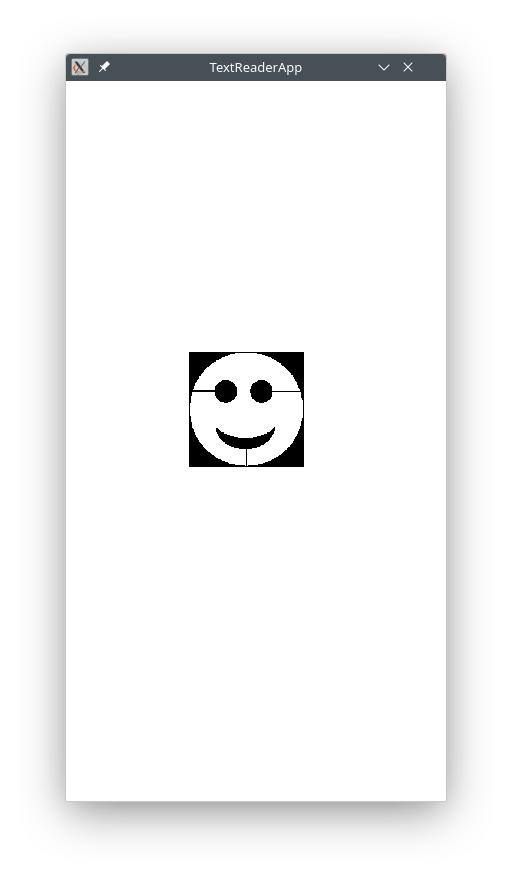
| Example Image | Explanation |
|---|---|
BLACK pixels have value 0non-BLACK pixels have value non-0RED pixels have value 0x00FF0000 (this is an integer even though it has letters in it) |
|
 a.png ...  z.png |
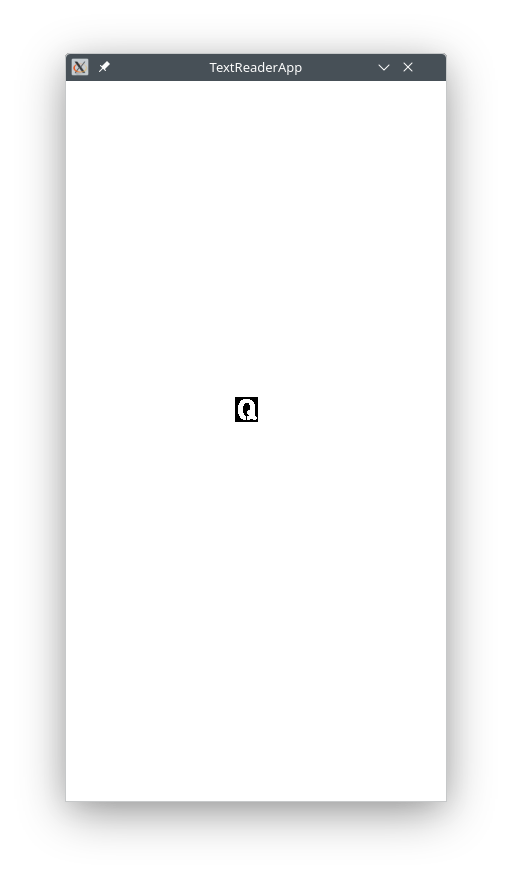
a..z (letter images)
these are for letter images; names are lower-case, but the picture is of an upper-case letter
the letter images have dimensions rows=25,cols=23 (you may use these, sparingly, as fixed numbers)
|
 quartz1.png quartz2.png taxi1.png taxi2.png fox1.png fox2.png |
sample (test) images for text identification |
 scene1.png scene2.png |
sample (test) images for object identification |
Write the following methods:
copyImage( startRow, startCol, numRows, numCols, bigImage )
This method returns a copy of the section in the given bigImage that starts at the given (startRow, startCol) and extends numRows, numCols units down and to the right, respectively. In other words, (startRow, startCol) is the upper-left corner of the section to copy.
bigImage. This will be handled in a different method.
Hint: If you know the (sr,sc) where to put a pixel in smallImage, what are the (br,bc) where to get the pixel from in bigImage?
Hint: If you are stuck, make sure to download the new DrJava (see above). You can then temporarily use the following implementation of the method (make sure to try the test cases anyway):
__ copyImage( __ startRow, __ startCol, __ numRows, __ numCols, __ bigImage )
{
    // make sure to try the test cases anyway

    return help.copyImage( startRow, startCol, numRows, numCols, bigImage );
}
For example:
int[][] image = {
   { 10, 11, 12, 13 },
   { 14, 15, 16, 17 },
   { 18, 19, 20, 21 } };

int[][] image1 = copyImage( 0, 0, 2, 2, image );
printTable( image1 );

int[][] image2 = copyImage( 1, 2, 2, 2, image );
printTable( image2 );

int[][] image3 = copyImage( 0, 0, 3, 4, image );
printTable( image3 );
// displays 10 11 // 14 15 // displays 16 17 // 20 21 // displays 10 .. .. 13 // 14 .. .. 17 // 18 .. .. 21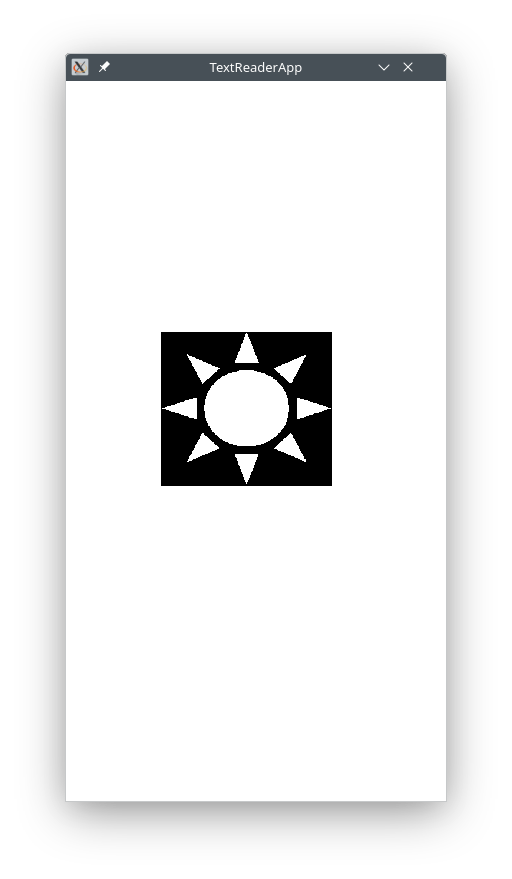

pasteImage( startRow, startCol, bigImage, smallImage )
This method modifies the given bigImage such that the given smallImage has been written over the existing pixels in the bigImage starting at the given (startRow, startCol).
smallImage has replaced a section within the given bigImage.
Note: You may assume that the requested section to paste will not extend past the dimensions of the bigImage. This will be handled in a different method.
Hint: If you know the (sr,sc) where to get a pixel from smallImage, what are the (br,bc) where to put the pixel in bigImage?
Hint: If you are stuck, follow the "Canvas Update" step above. You can then temporarily use the following implementation (make sure to try the test cases anyway):
__ pasteImage( __ startRow, __ startCol, __ bigImage, __ smallImage )
{
    // make sure to try the test cases anyway

    help.pasteImage(  startRow, startCol, bigImage, smallImage );
}
For example:
int[][] image1 = {
   { 10, 11, 12, 13 },
   { 14, 15, 16, 17 },
   { 18, 19, 20, 21 } };

int[][] image2 = {
   { 30, 31 },
   { 32, 33 } };

pasteImage( 0, 0, image1, image2 );
printTable( image1 );

pasteImage( 1, 2, image1, image2 );
printTable( image1 );
displays 30 31 12 13 32 33 16 17 18 19 20 21 displays 30 31 12 13 32 33 30 31 18 19 32 33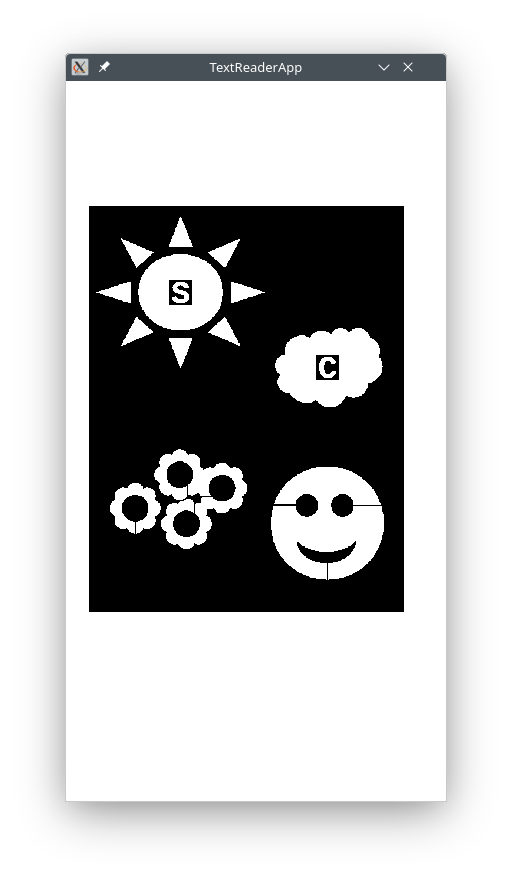
createLogo( phrase )
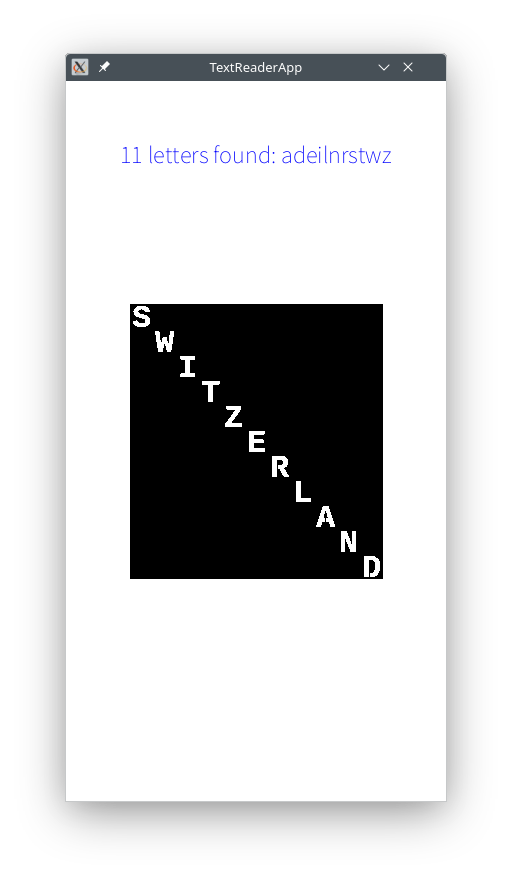
This method takes a string of letters and returns a big image such that the small images of the individual letters are pasted along the diagonal of the big image.
Each small letter image has dimensions rows=25,cols=23 and you may use these, sparingly, as fixed numbers. The dimensions of the big image should be computed such that there is exactly the required space for the pasted small images of the phrase.
For example:
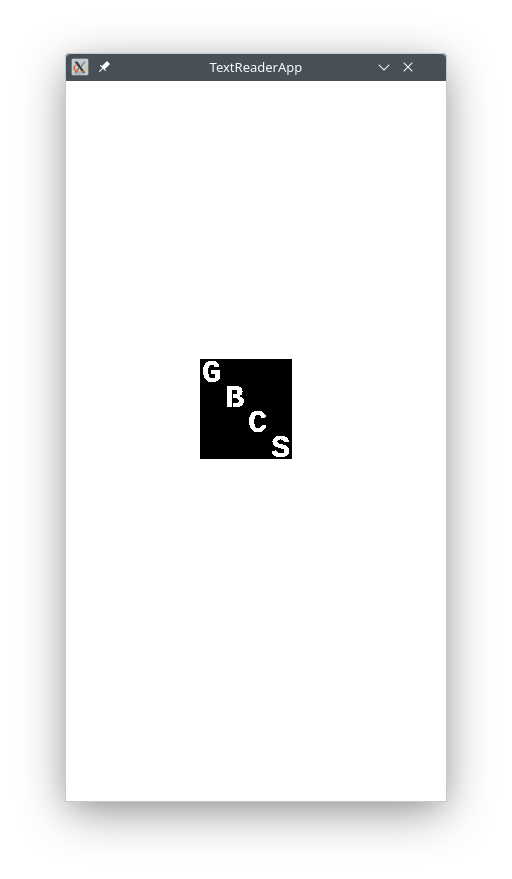


List of IsogramsWrite the following methods:
long computeDifference( image1, image2 )
Note: The return type is long, which is used to store big integers. The "result" inside the method (the thing that is returned) must also be of type long.
Note: You may assume that the two images have the same dimensions.
Note: Java has built-in absolute value method:long value = Math.abs( -5 );
For example:
int[][] image1 = {
   { 1, 2, 3, 4 },
   { 5, 6, 7, 8 } };

int[][] image2 = {
   { 8, 7, 6, 5 },
   { 4, 3, 2, 1 } };

long diff = computeDifference( image1, image2 );
System.out.println( "difference is: " + diff );

displays   "the difference is: 32"

i.e. |1-8| + |2 - 7| + |3 - 6| + ... + |7 - 2| + |8 - 1|
long findMinDifference( bigImage, smallImage )
Note: The return type is long ... (see above) ...
bigImage that has the smallest difference with the given smallImage. In other words the method computes the differences between the smallImage and all possible sections of the same dimensions within the bigImage and keeps the smallest value.
Essentially, the method is searching whether the smallImage exists somewhere inside the bigImage. If that is the case, the result will be 0; otherwise it will be some small number for the region that matches most closely.
smallImage (see copyImage) and each time computes the difference between the extracted section and the given image (see computeDifference) keeping track of smallest value seen so far.
Make sure to setup the loops correctly -- if you go too far, you will try to extract/copy a section that does not exist and the app will crash.
Note: Unlike the other min-type examples, here there isn't an obvious initial min value. Instead, use as initial guess for the min value the Java constant Long.MAX_VALUE -- this constant represents some very big number that will gradually be replaced by smaller values seen along the way.
For example:
int[][] image = {
   { 10, 11, 12, 13 },
   { 14, 15, 16, 17 },
   { 18, 19, 20, 21 } };

int[][] image1 = {
   { 16, 14 },
   { 17, 20 } };

int[][] image2 = {
   { 16, 17 },
   { 21, 20 } };

long diff = findMinDifference( image, image1 );
System.out.println( "min difference is: " + diff );     // displays 5

diff = findMinDifference( image, image2 );
System.out.println( "min difference is: " + diff );     // displays 2
long[] findLetterScores( image )
Note: The return type is long[] ... (see above) ...
result array has the value of the smallest difference between the image corresponding to the letter and the given image.
Essentially, the cells in the result array that have the smallest values will indicate which letters are present in the image.
__ findLetterScores( image )
{
    String alphabet = "abc..xyz";
    long[] result = __;

    // go through each letter in alphabet:
    // ... load image for current letter
    // ... find smallest difference for letter image with given image
    // ... record smallest value in result at same index as letter
}
For example:
    A                                                                              I                                                                                                               T                                  X
    ↓                                                                              ↓                                                                                                               ↓                                  ↓
    0 2432696175 2063597445 2063597445 1979711370 1358954415 2701131615 2214592380 0 1560280995 1207959480 1459617705 2483027820 2332032885 2634022755 1493172135 2583691110 2214592380 3280799970 0 2667577185 2583691110 2801794905 0 1392508845 1174405050

    cells corresponding to A, I, X, T should have value 0
    since these letters exist in the word TAXI
findMinValueIndex( long[] data )
This method returns the index of the smallest value in the given array data.
findLetters( image, numObjects )
This method returns a string that represents the letters/objects in the given image (up to the numObjects specified). Essentially, the method selects the top letters whose images have the lowest scores with sections within the given image. Here is how it works:
proc findLetters( image, numObjects ):

     1. alphabet = "abc...xyz"; (first line in your method)

     2. Find the scores of all letters in the alphabet for given image

     3. Repeat as many times as number of objects given:

          4. Find index of min value in data from Step 2.

          5. Keep in a "result" the letter that corresponds to value found in Step 4.

          6. Write Long.MAX_VALUE at index of min value (so it won't be found again)
For example:
Write the following methods:
countObjects( image )
This method counts how many distinct objects exist in the given image.
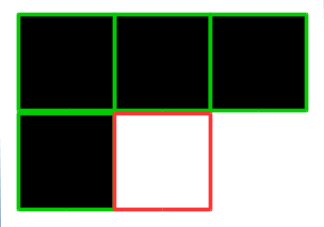
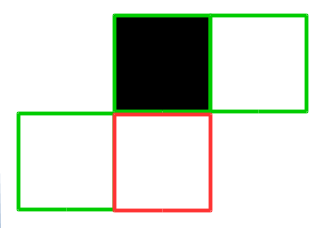
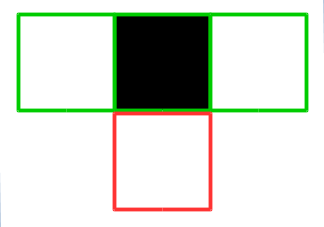
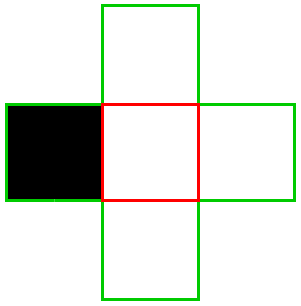
non-BLACK in one of the following configurations the total count is updated as shown here.
Note: You may assume that there will be no
increase count by 1
(new object detected)decrease count by 1
(two objects connected)decrease count by 1
(two objects connected)
current pixel is the one with red border; pixels in green border are neighbors of interest pixel value of
non-0meansnon-BLACK (WHITE); pixel value of0meansBLACK
non-BLACK pixels along the boundary of the given bigImage, so you should setup the loops to ignore the first/last row/column.
For example:
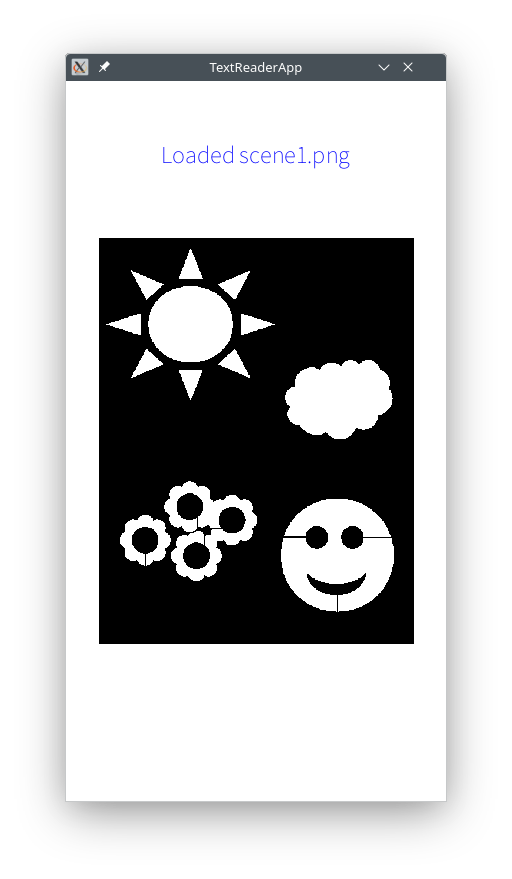
int[][] scene = canvas.readImage( "scene1.png" );
int count = countObjects( scene );
System.out.println("#objects in scene = " + count);

(displays "#objects in scene = 13")
int[][] wImage = canvas.readImage( "w.png" ); int count = countObjects( wImage ); System.out.println("#objects in image of W = " + count); (displays "#objects in image of W = 1")
traceContour( startRow, startCol, image )
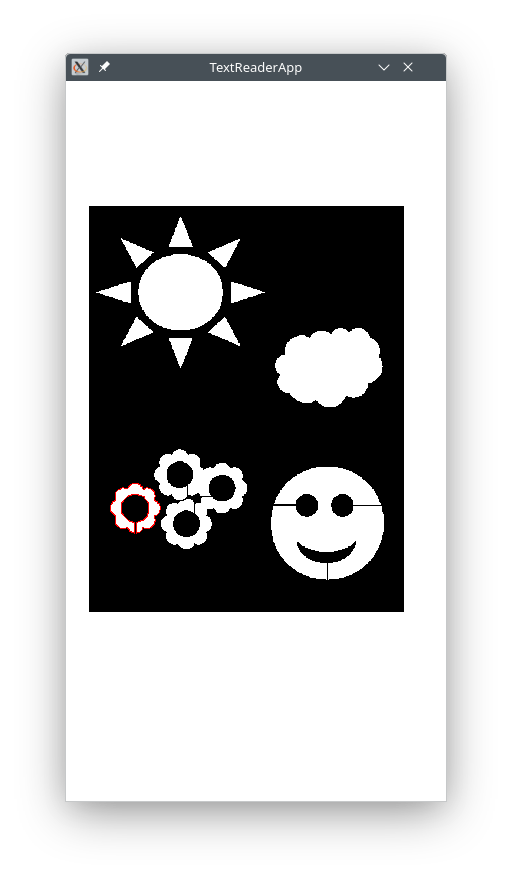
This method modifies the given image such that all pixels on the boundary of the object starting at the given (startRow,startCol) are replaced with the integer value 0x00FF0000 (RED color). Even though 0x00FF0000 has letters in it, it is actually an integer value written in a different notation.
This method is given a starting position (startRow, startCol) which will always be at a non-BLACK pixel on the boundary of some object in the image. The method identifies all pixels on the boundary of the object and replaces them with the value 0x00FF0000 (which represents RED color).
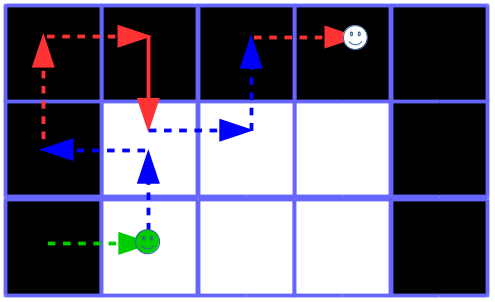
|
Here is how the contour tracing works. Imagine that a bug is moving across the image in some direction (dr,dc) where dr=+1,0,-1 is how much the bug will move along the rows (same for dc):
The following slides show a visualization of the process (both to find all contours and how the bug outlines a single contour):
Demo Slides (PPT) |
Here are a few examples:
GREEN arrow indicates the bug's current spot and directionsRED arrow indicates RIGHT turnBLUE arrow indicates LEFT turn
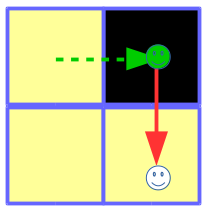
|
suppose the bug is currently at a BLACK pixel at position (100,200) and its current direction is (0,1), i.e. East:
To move dr ← dc (but be careful, not as simple as it looks) dc ← -dr |
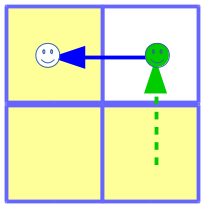
|
suppose the bug is currently at a non-BLACK pixel at position (100,200) and its current direction is (-1,0), i.e. North:
To move dr ← -dc (but be careful, not as simple as it looks) dc ← dr |
(startRow,startCol) will be non-BLACK.
Here is a partial code for the method using do-while:
proc traceContour( startRow, startCol, image )
{
    // keep track of the bug's current direction and position

    // the bug always starts moving in East direction (dr, dc) = (0, 1)

    do
    {
        // mark non-black spots, turn (update direction), move (update position) of bug
    }
    while ( not-at-original-position );
}
For example:
image = {
   { 0,   0,   0,   0, 0 },
   { 0, 255, 255, 255, 0 },
   { 0, 255, 255, 255, 0 },
   { 0, 255, 255, 255, 0 },
   { 0,   0,   0,   0, 0 } };

traceContour( 2, 1, image );
printTable( image );
displays 0 0 0 0 0 0 RED RED RED 0 0 RED 255 RED 0 RED is some big number 0 RED RED RED 0 0 0 0 0 0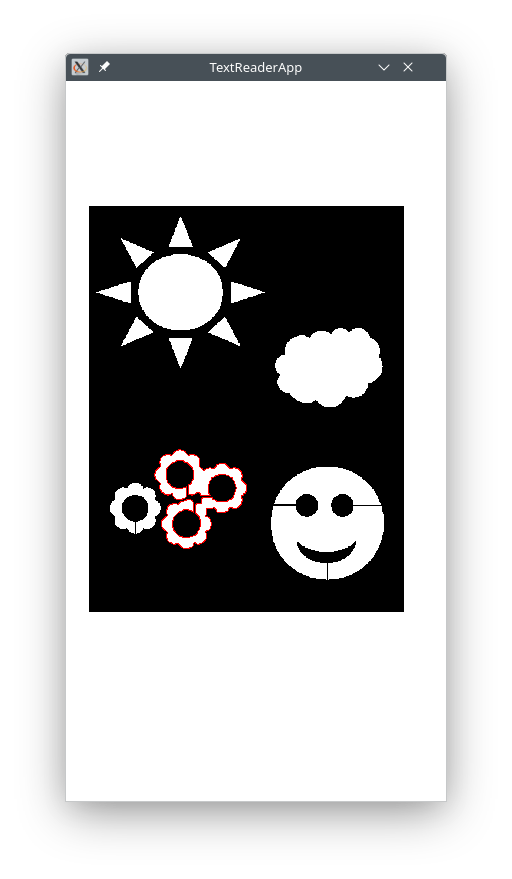
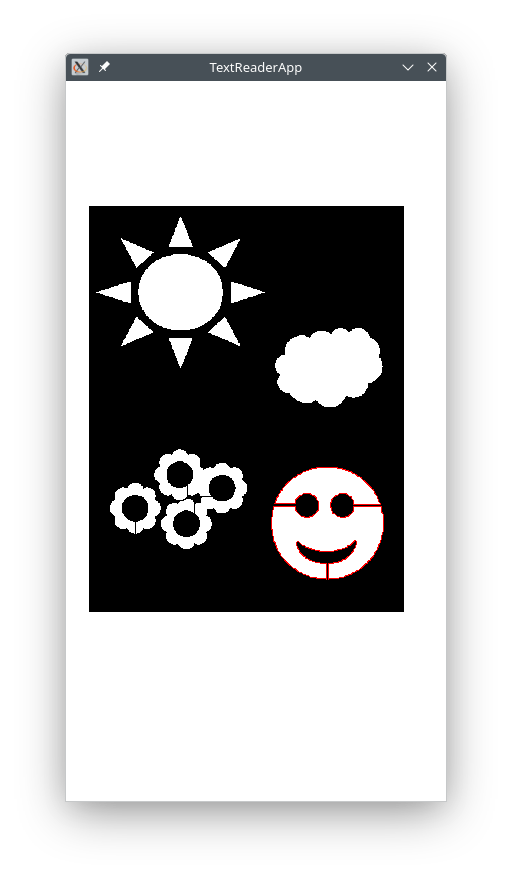
traceAllContours( image )
This method modifies the given image by tracing the contours of all objects in the image (i.e. putting RED color for each pixel in the outline of an object).
Here is how the method works: It goes through all pixels in the givenimage. Whenever it comes across a non-BLACK pixel that has a BLACK neighbor to the left it traces a contour starting at the non-BLACK pixel.
Note: You may assume that there will be no non-BLACK pixels along the boundary of the given image, so you should setup the loops to ignore the first/last row/column.
For example:
int[][] image = {
   { 0,   0,   0,   0,   0,   0,   0 },
   { 0, 255, 255,   0,   0,   0,   0 },
   { 0, 255, 255,   0, 255, 255,   0 },
   { 0,   0,   0,   0, 255, 255,   0 },
   { 0,   0,   0,   0,   0,   0,   0 } };

traceAllContours( image );
printTable( image );
displays 0 0 0 0 0 0 0 0 RED RED 0 0 0 0 0 RED RED 0 RED RED 0 0 0 0 0 RED RED 0 0 0 0 0 0 0 0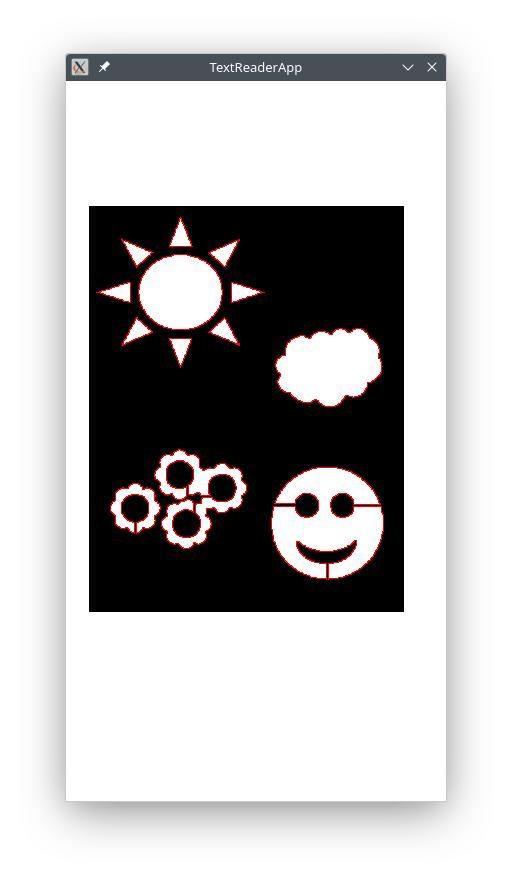
findLetters( image, numObjects )
Modify the method findLetters from the previous section (this is the version to submit):
numObjects and instead add Step 1.5 below since now you are able to find the number of objects with your own method:
1. alphabet = "abc...xyz"; (first line in your method)

1.5. Find the number of objects in the image (method countObjects)
addNoise( image, level )
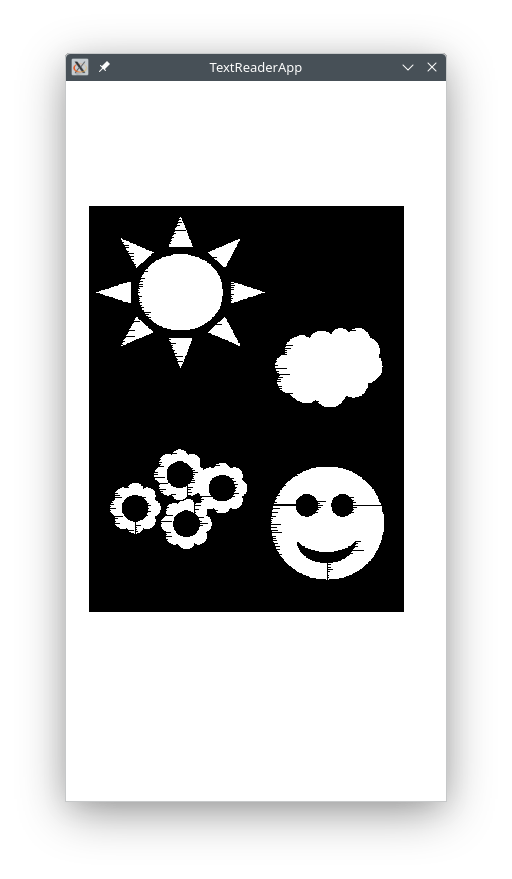
This method modifies the given image by making some non-BLACK pixels BLACK.
Here the given parameterlevel is assumed to be an integer in the range [0..100].
|
|
|
int[][] scene = canvas.readImage( "scene1.png" ); addNoise( scene, 72 ); canvas.drawImage( 180, 328, scene ); |
runTextApp) which will present the user with a menu of options to choose from.
The variable mainImage will keep track of the latest generated or loaded image. Operations such as counting regions, tracing contours, transcribing text, etc. will always use mainImage and process whatever is found there.
The variable mainTitle will show a description about the result from the latest action.
To glue the text for mainTitle use String.format(...) which is similar to System.out.printf(...):
This method is mostly given:myVarName = String.format( "The value of %s is %f which is approx %d/%d which is < %d%% error", "PI", 3.14, 22, 7, 1 );
void runTextApp()
{
    int[][] mainImage = createLogo( "cat" );   // logo to start with -- will be replaced in some actions below

    String mainTitle = String.format( "Logo for %s", "cat" );   // latest action

    String choice = "";                        // user selection for an action (see beginning of loop)

    while ( choice.equals("Quit") == false )   // as long as choice is not "Quit"
    {

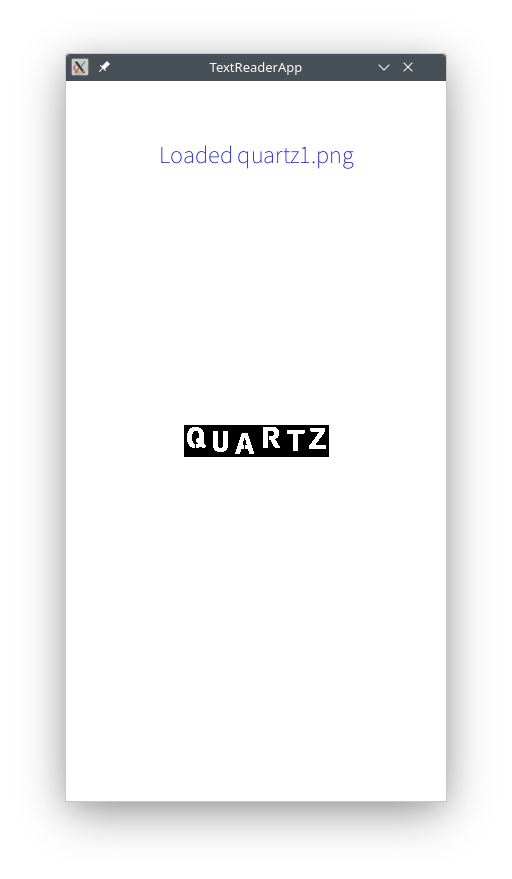
choice.equals("Load Image") == true:
    - ask for a file name: canvas.readString( "sOmE pRoMpT" )
    - replace main image: canvas.readImage( ... )
    - replace main title: "Loaded quartz.png"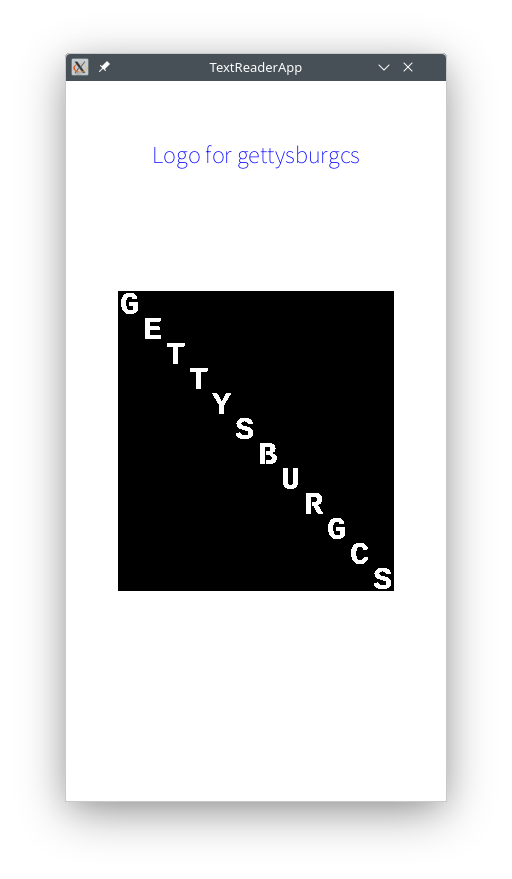
choice.equals("Create Logo") == true:
    - ask for a phrase, generate logo
    - replace main image with logo, replace main title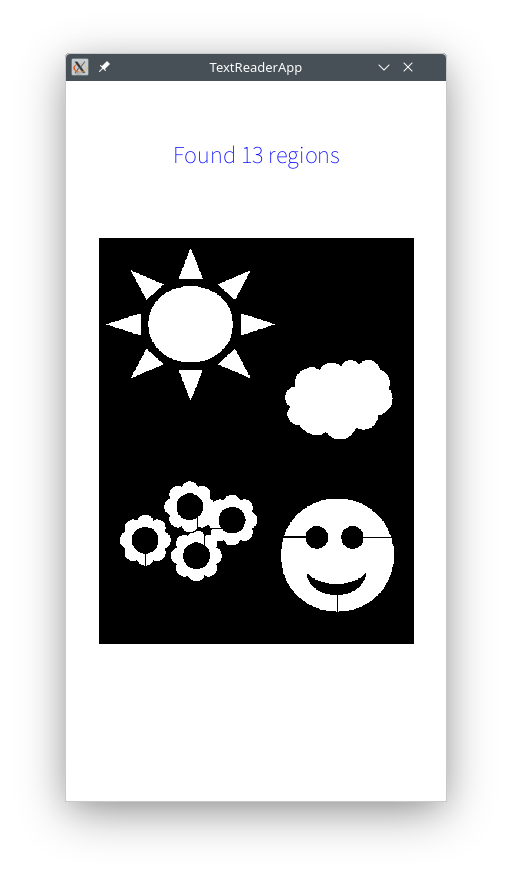
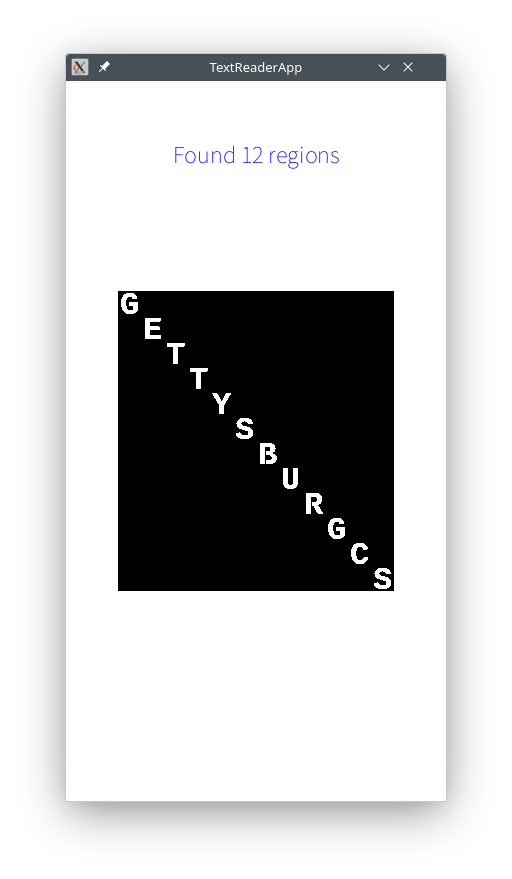
choice.equals("Count Regions") == true:
    - count number of regions in main image
    - replace main title (see example)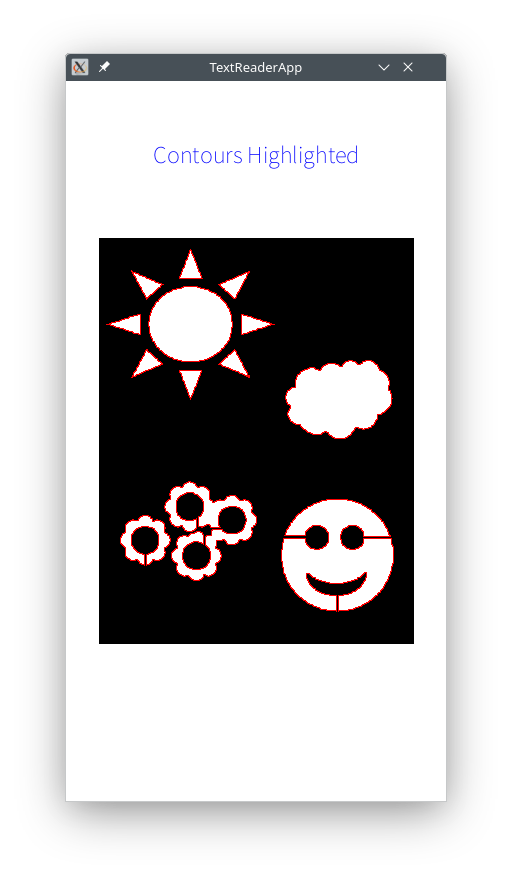
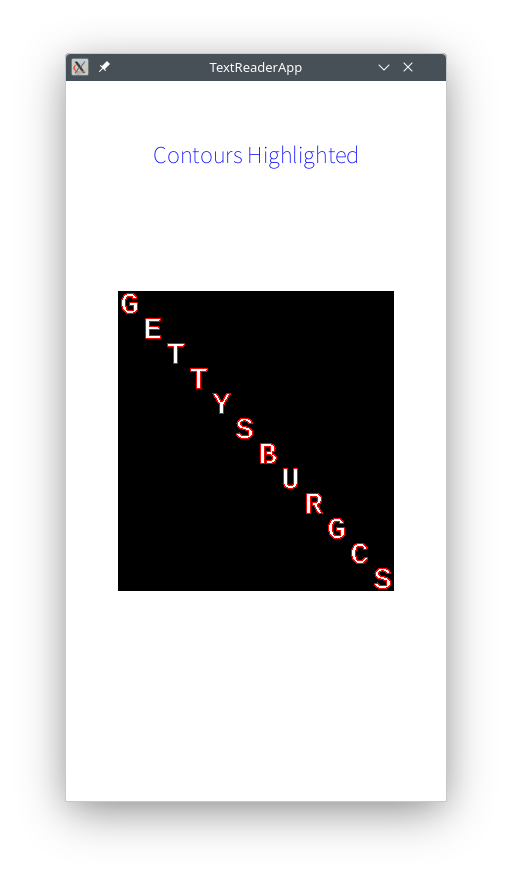
choice.equals("Trace Contours") == true:
    - find the contours in main image, replace main title
      (contours will be shown as loop starts next cycle)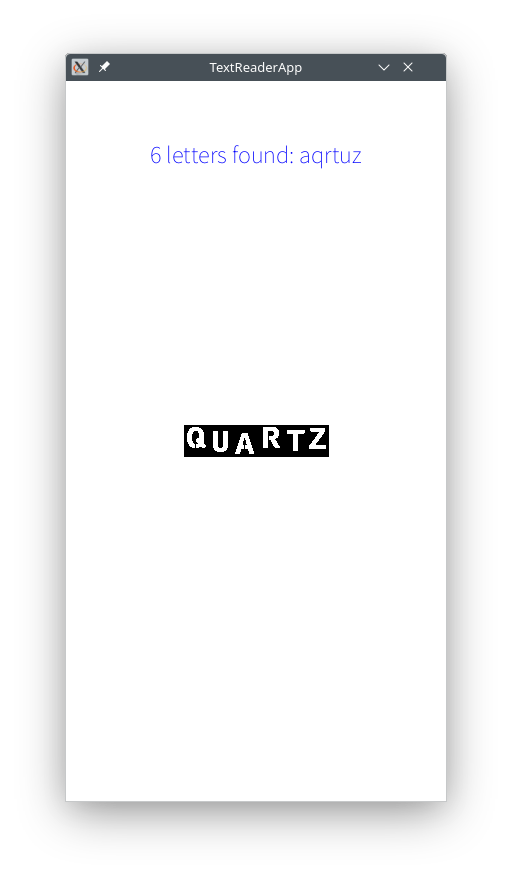
choice.equals("Transcribe Text") == true:
    - find the text in main image
    - replace main title (see example)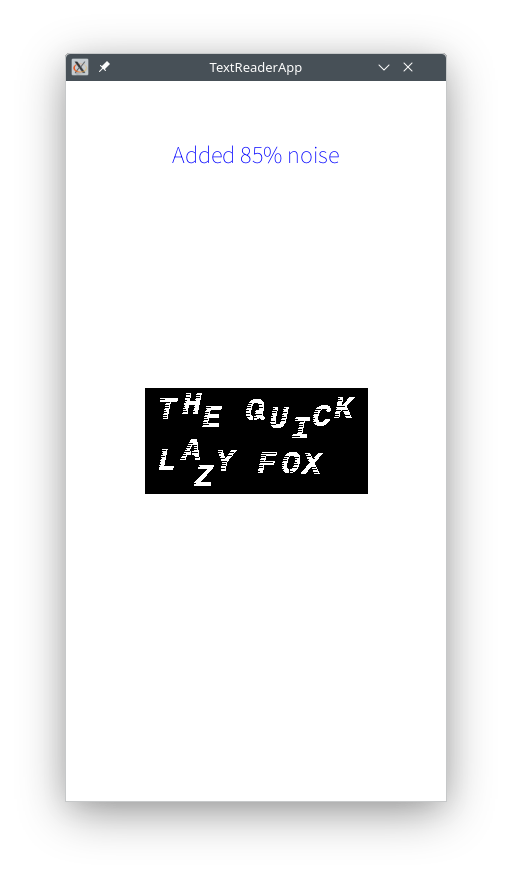
choice.equals( "Add Noise" ) == true:
    - ask for the noise level: canvas.readInt( "sOmE pRoMpT" )
    - add noise to main image
      (noisy image will be shown as loop starts next cycle)
    - replace main title (see example)
} }
cs111 (where you run DrJava) hw/TextReaderApp/src/cs1/TextReaderApp (this is where your code is saved) TextReaderApp.java and TextReaderApp.log (ignore the other files)