Gettysburg College

CS 111
Computer Science I


FractalsApp

This is a collection of recursive drawing methods. At a high level they are similar to examples done in class/homework.

If you do not understand completely the given method computePoint you could instead think about the general structure of the solution without writing any code.

Preliminaries

Create a new app called FractalsApp that has the methods described below.

The following method is given:

double[] computePoint( double x1, double y1, double x2, double y2, double distAlong, double distAway)
{
    double dx = x2 - x1;
    double dy = y2 - y1;

    //       start   walk to x2  turn90+walk away
    double x = x1 + distAlong*dx + dy*distAway;
    double y = y1 + distAlong*dy - dx*distAway;
        
    double[] point = { x, y };
    return point;
}
This method computes a new point relative to the line segment defined by the points (x1,y1) and (x2,y2).

Imagine a bug located at point (x1,y1):

  1. the bug first walks along the segment the given distAlong towards point (x2,y2)
  2. next the bug turns left 90 degrees and walks distAway from the line segment
  3. the method returns the final location of the bug
Note that: Here is a possible use of the method:
void demo()
{
    double x1 = 100;
    double x2 = 300;
    double y = 150;
    
    // the line segment
    canvas.drawLine( x1, y, x2, y, "red" );

    // a few points
    double[] p1 = computePoint( x1, y, x2, y, 0.5,   0 );       // (blue) half along, does not move away
    double[] p2 = computePoint( x1, y, x2, y, 0.5,   0.5 );     // (green) half along, moves half away
    double[] p3 = computePoint( x1, y, x2, y, 0.75,  0.25 );    // (purple) 3/4 along, moves 1/4 away

    canvas.drawSquare( x1, y, 8, "white(black)" );              // (black) starting point as square
    canvas.drawCircle( p1[0], p1[1], 4, "white(blue)" );
    canvas.drawCircle( p2[0], p2[1], 4, "white(green)" );
    canvas.drawCircle( p3[0], p3[1], 4, "white(purple)" );

    x1 = 300;
    x2 = 100;
    double y1 = 300;
    double y2 = 500;

    // the line segment
    canvas.drawLine( x1, y1, x2, y2, "red" );

    p1 = computePoint( x1, y1, x2, y2, 0.5,   0 );              // (blue) half along, does not move away
    p2 = computePoint( x1, y1, x2, y2, 0.5,   0.5 );            // (green) half along, moves half away
    p3 = computePoint( x1, y1, x2, y2, 0.75,  0.25 );           // (purple) 3/4 along, moves 1/4 away
           
    canvas.drawSquare( x1, y1, 8, "white(black)" );             // (black) starting point as square  
    canvas.drawCircle( p1[0], p1[1], 4, "white(blue)" );
    canvas.drawCircle( p2[0], p2[1], 4, "white(green)" );
    canvas.drawCircle( p3[0], p3[1], 4, "white(purple)" );
}

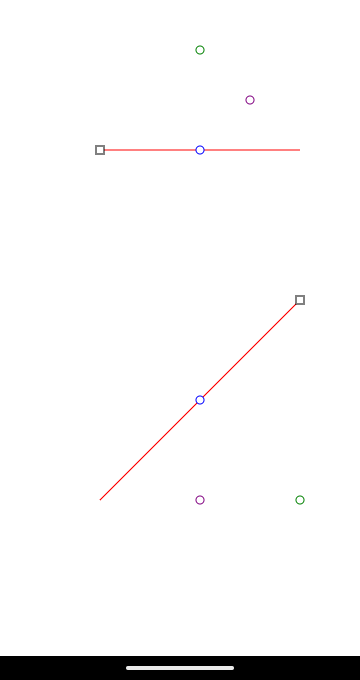
(click to enlarge)

Hint

if you want to to see a general hint that applies to some of the methods below

Tree

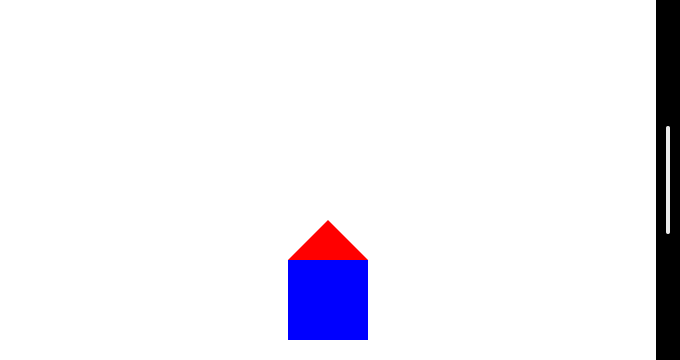
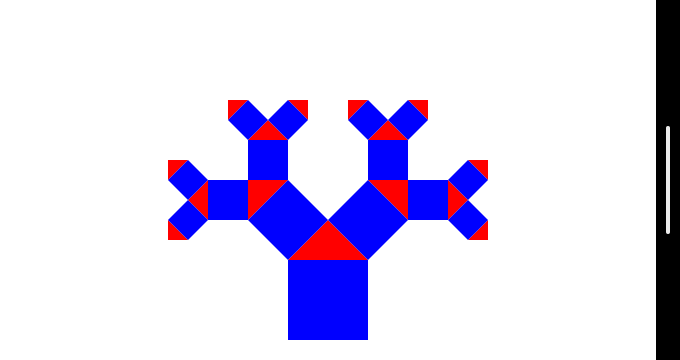
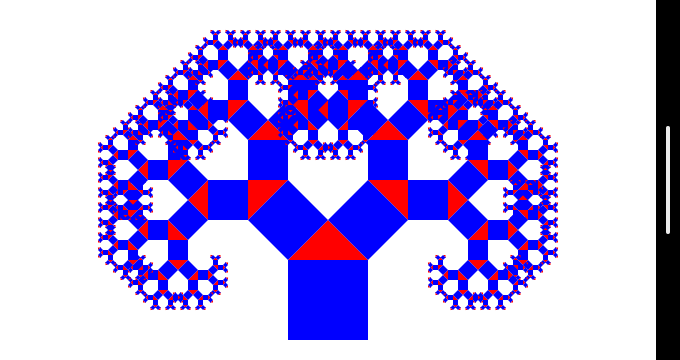
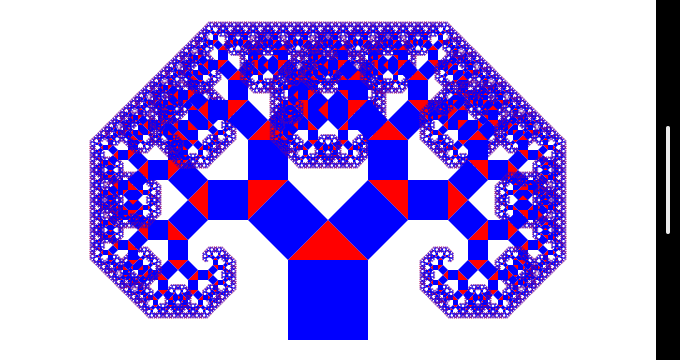
Write a recursive method that produces the given drawing. Note that since the square is tilted it needs be drawn as a polygon, so all four points of the square need to be computed.

canvas.drawPolygon( the-color, x1, y1, x2, y2, ..., xN, yN )
if you want to to see a hint for the values for distAway but keep in mind that reasonable guesses might work too

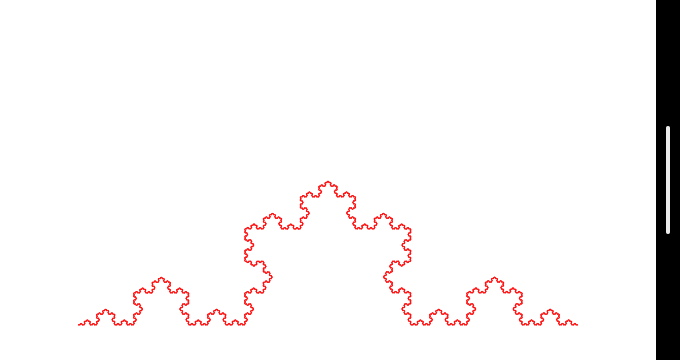
Snowflake

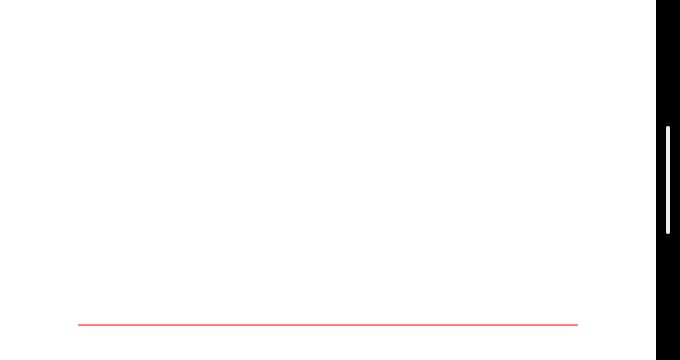
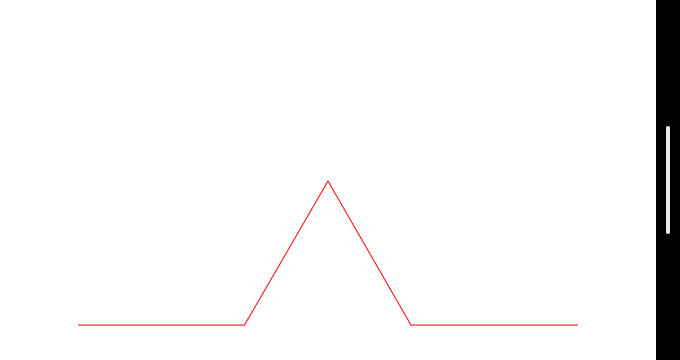
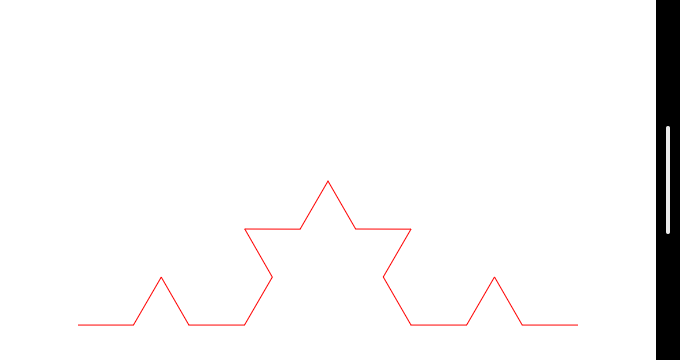
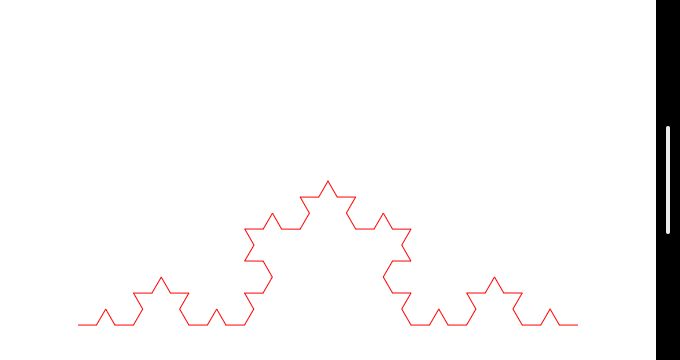
Write a recursive method that produces the given drawing. if you want to to see a hint for the values for distAway but keep in mind that reasonable guesses might work too

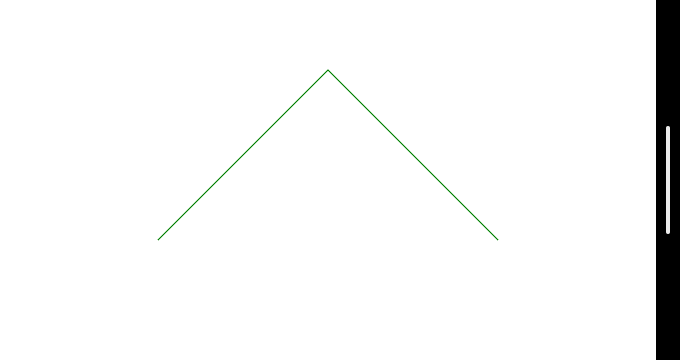
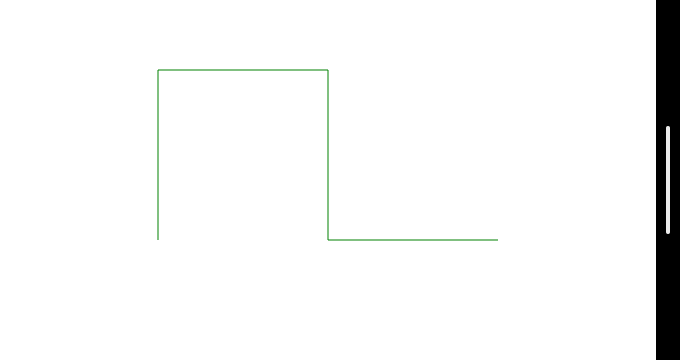
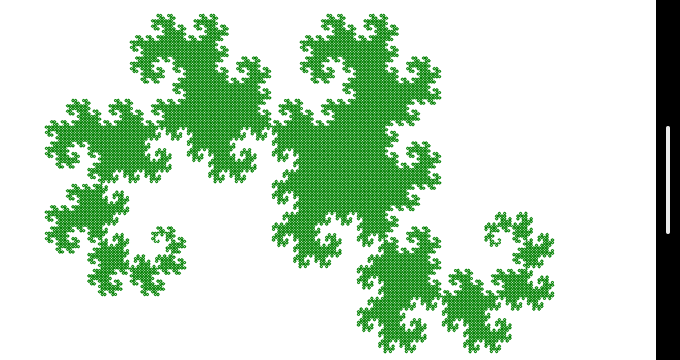
Green Dragon

Write a recursive method that produces the given drawing. if you want to to see a hint for the values for distAway but keep in mind that reasonable guesses might work too

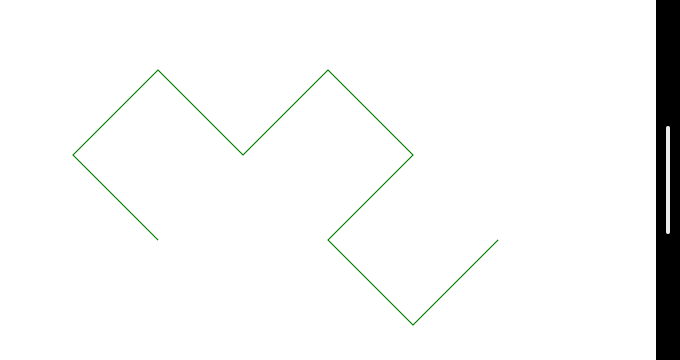
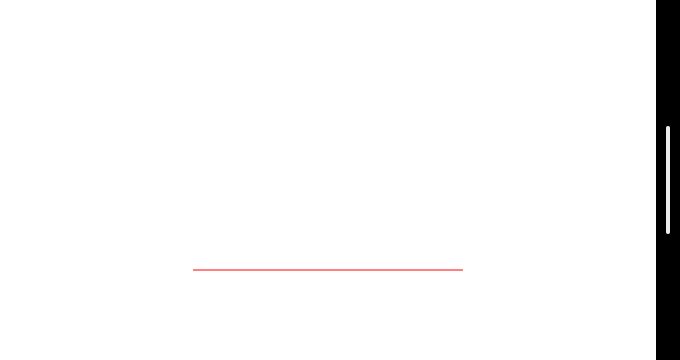
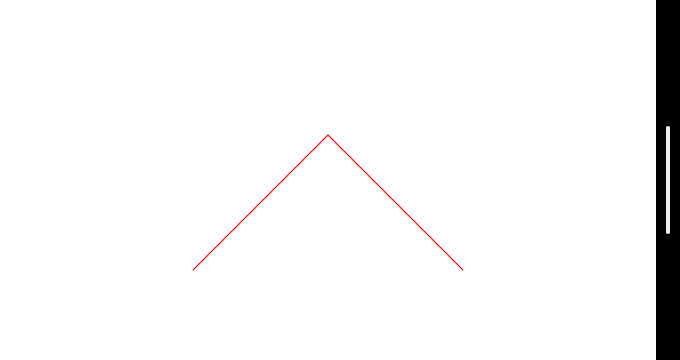
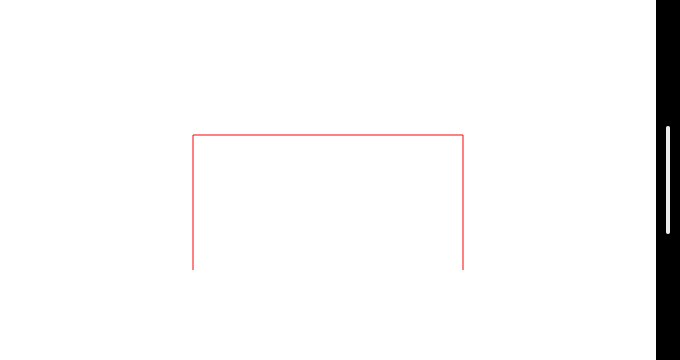
Red Dragon

Write a recursive method that produces the given drawing. if you want to to see a hint for the values for distAway but keep in mind that reasonable guesses might work too

Exploration

Change gradually the values for distAlong and distAway and see the effect.