
|
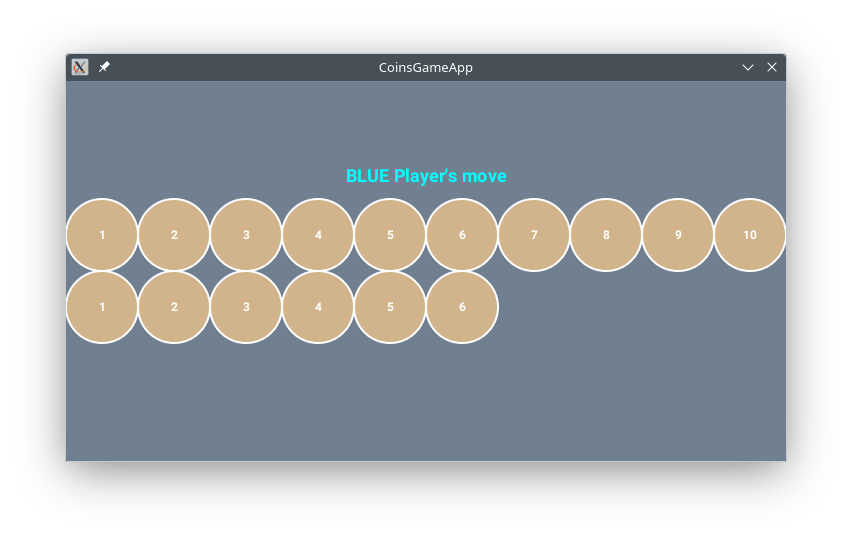
The goal of this assignment is to implement an interactive two-player computer game. In this game two players take turns removing coins from two distinct piles (rows). The player who makes the last move, i.e. clears the game board by removing the last coin(s), is considered the winner.
The focus of this assignment is on expressing repetition (while loops), decisions (if-statements), and complex conditions (&&,||).
|
[10,20], so it is ok to use these fixed numbers where appropriate)

run(); do not paste elsewhere even if the paste restriction happens to failcanvas.readInt( <short-message> )drawCirclesRow(startX, startY, radius, n)
This procedure draws a row of n touching circles each of the given radius such that the left-most circle is centered at (startX,startY). At the center of each circle draw its corresponding index, i.e. 1,2,3,... .
canvas.drawText(...) can display any message type, i.e. the message can be a piece of text, an integer Post-It, or a real number Post-It, etc. (If you are unsure how to display the coin index, ignore it and come back to it later.)

|
drawCirclesRow(20, 80, 20, 5); drawCirclesRow(50, 200, 15, 8); |
drawGameBoard(topCoins, botCoins, radius)
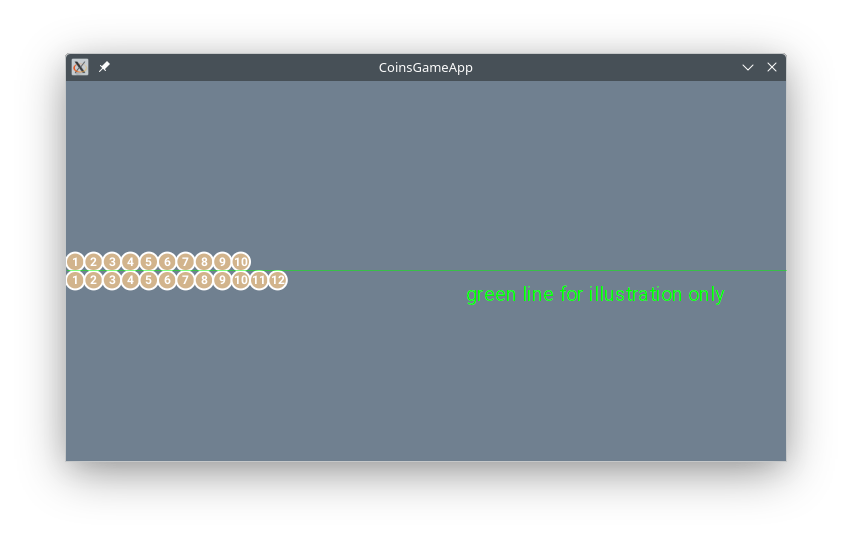
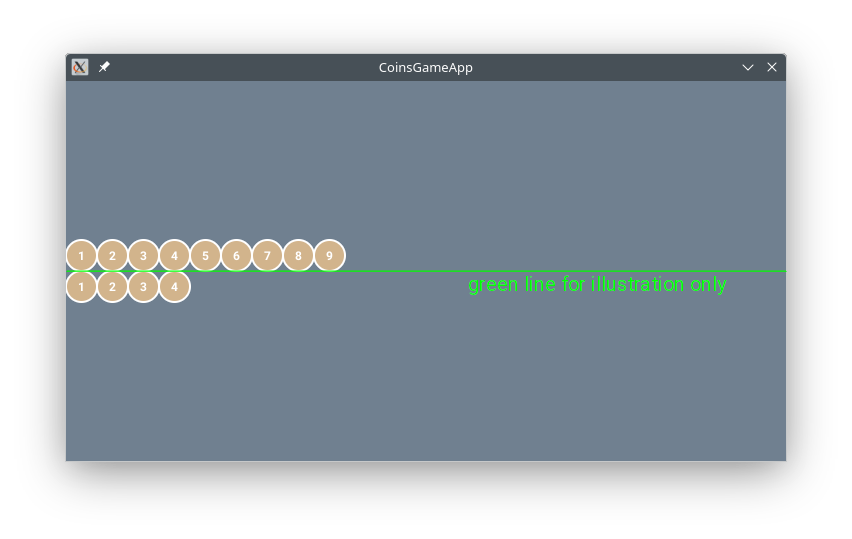
This procedure draws two horizontal rows of touching circles of the same (given) radius. The top row has topCoins number of circles and the bottom row has botCoins number of circles.
|
|
playGame()
This procedure will drive the game by displaying the board, waiting for the player's move, etc., and displaying a congratulatory message centered on the canvas.
Note: To show a keyboard in which the player types a number use:
canvas.readInt( <short message> )
Below is an outline in English for this procedure. It assumes that:
canvas.readInt(<short-message>)
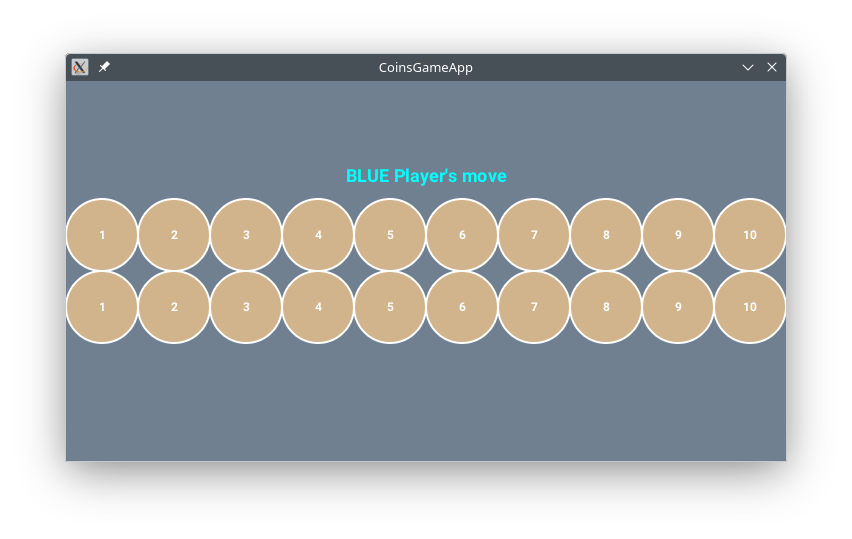
void playGame()
{
    Set up Post-Its that keep track of the number of coins on each row
    * for Stage 1 start each row with exactly 10 coins -- will randomize later
    * these Post-Its should decrease throughout the game based on player choices

    Compute the coin radius
    * for Stage 1 just use 36 for coin radius -- will fix later.

    Start the loop:
        clear canvas, draw board

        for now pause briefly to see board; remove later

        ask player which row to remove from (type 1, 2, or 3 only)
        ask player how many coins to remove

        update coins on one (or both) rows based on the (row, coin) selection
        * at first assume player only picks from top row and see if the board updates correctly
        * for now do nothing when wrong number of coins picked; assume correct play

    Anything else that needs to be done
}
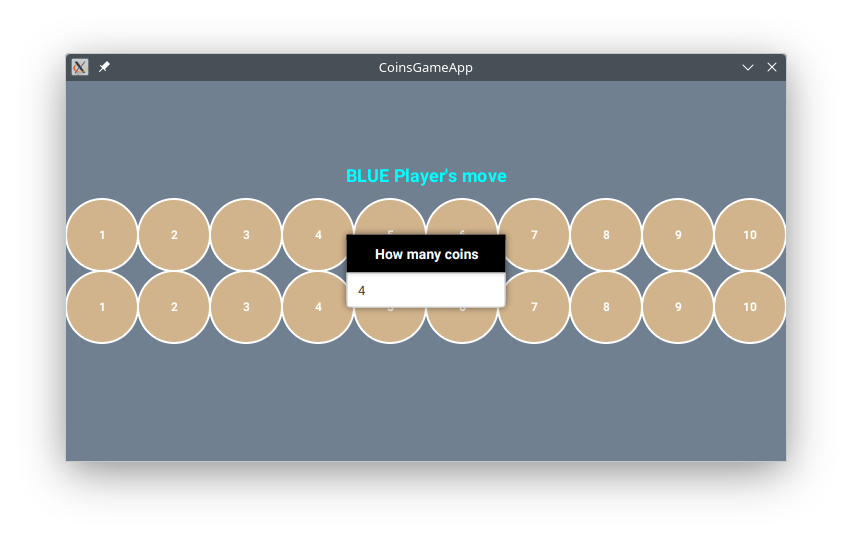
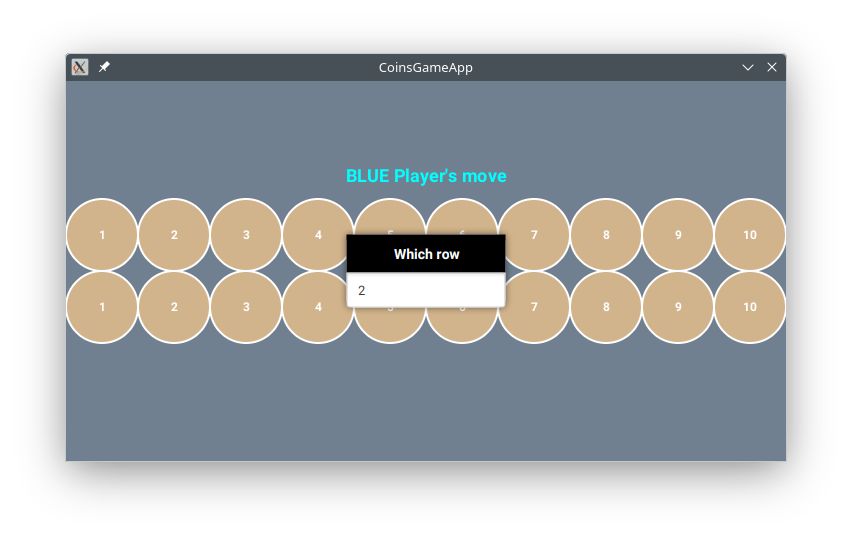
[10,20].
Note: You can get a random integer in the range [low,high] from the canvas (write it down on a Post-It):
canvas.getRandomInt( <low>, <high> )
Since the number of coins varies each time the game is run we need to fix the radius of the coins. So far the radius has been set to 36, but this will no longer work if there are too many coins.
Write the following procedure so that the radius of the coins is no longer set to 32.8 (see Stage 1), but is computed based on the initial number of coins as the game begins.
computeCoinRadius(topCoins, botCoins)
This procedure uses the larger number of the given topCoins and botCoins to compute the radius of the coins such that the row that has more coins spans the canvas from one side to the other. For example:
canvas does).
Here is how to test this procedure in run(). Note that the answers will show up in DrJava's Console Window (long panel at the bottom), not on the phone:
public void run()
{
    System.out.println("radius = " + computeCoinRadius(11, 10));  // 32.727
    System.out.println("radius = " + computeCoinRadius(12, 14));  // 23.428
}
playGame to set the correct coin radius.
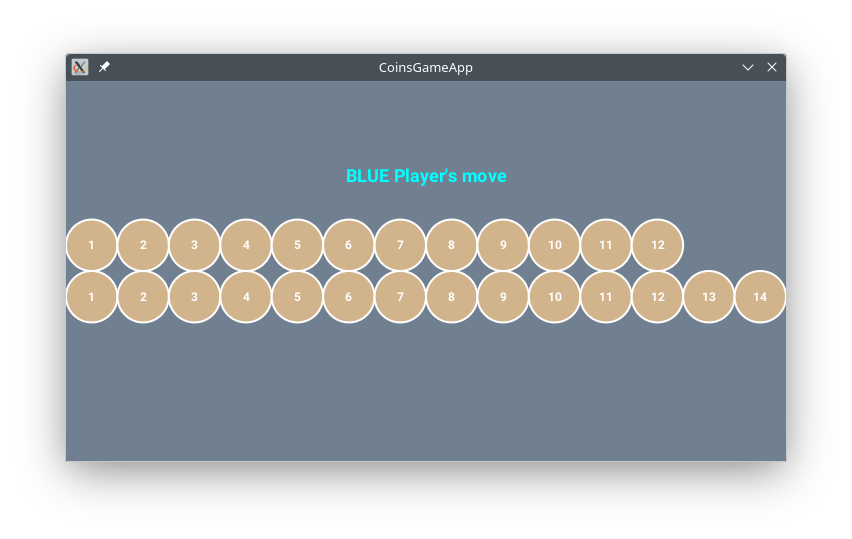
Play the game again. Below are sample screenshots. You might see something different, since each time random number coins are picked.
Each time you start the game the goal is to see that the longer row extends all the way to the end (it is ok if the longer row has a small gap at the end).
Once computed, the radius does not change throughout the game.

|
|
This stage will improve the game interaction by allowing the player to select the coins to remove by touching the screen. For example:
Remove the canvas.readInt(...) sections and replace them with code that handles touch input. See these notes for an example on how to use touch input with the canvas. It shows how to get the coordinates of the touch, the number of taps, and what object is selected:
touch input
Write the following procedure to which computes the intended row:
computeRow(touchY, numTaps)
This procedure determines which row is selected based on the y-coordinate of the player's touch on the screen and the number of taps. It returns one of the values 1, 2, or 3:
y coordinate)waitForTouch here; the touch has occurred elsewhere and here we only process the information ]
Here is how to test this procedure in run(). Note that the answers will show up in DrJava's Console Window (long panel at the bottom), not on the phone:
public void run()
{
    int row = computeRow( 123, 1 );
    System.out.println( "selected row: " + row );    // should see 1: y=123 is in top half of phone and 1 tap
    row = computeRow(123, 2);
    System.out.println( "selected row: " + row );    // should see 3: y ignored, since 2 taps

    // y below middle and 1 or 2 taps
    row = computeRow(280, 1);
    System.out.println("selected row = " + row);    // should see 2: y=280 is in bottom half of phone and 1 tap
    row = computeRow(280, 2);
    System.out.println("selected row = " + row);    // should see 3: y ignored, since 2 taps
}
This you will add error messages. If the latest move violates one of these rules an appropriate messages should be displayed (each case should have its own message):
&& ||. Think about correct order/placement.
cs111 (where you run DrJava) hw/ConisGameApp/src/cs1/CoinsGameApp (this is where your code is saved) CoinsGameApp.java and CoinsGameApp.log (ignore the other files)